


How better product photographs can help you sell more products
Introduction
You’re a business owner, and you want to get more customers. But how do you do that? The answer is simple: invest in your products. Your business needs to be able to showcase the quality of its goods, and one of the best ways to do that is by using high-quality images. Product photography can help you sell more products through your website—and once you’ve got those images, they might even help convince people to buy in person too!
Product Photographs
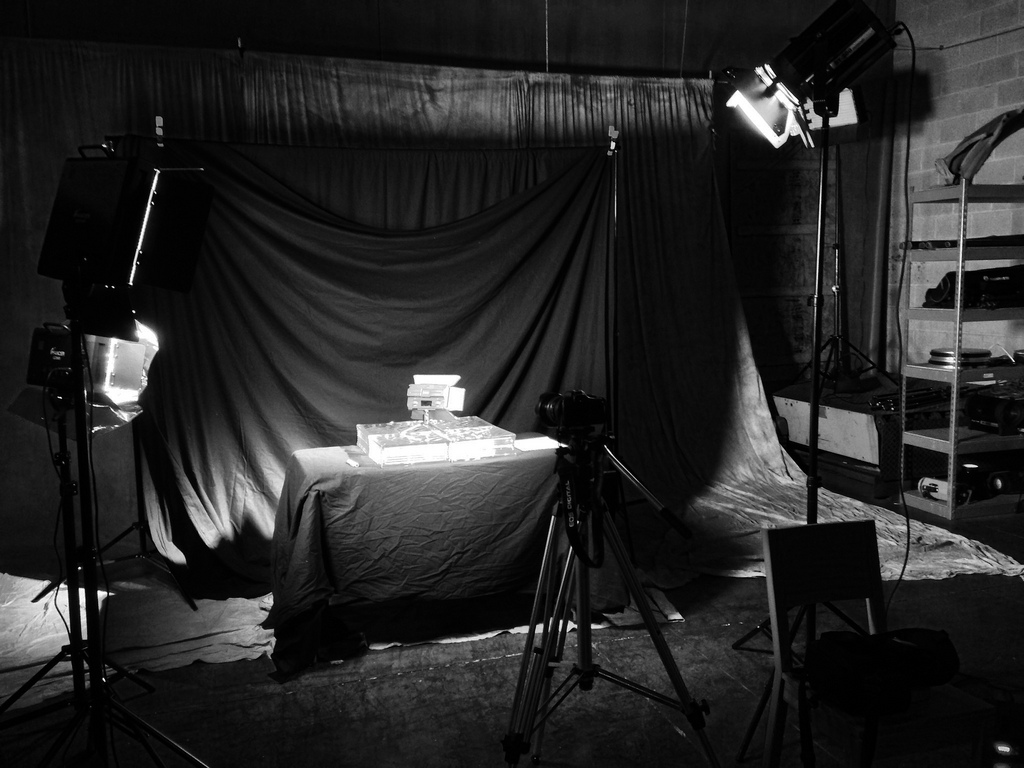
Product photography is an effective way to promote your products. If you’re selling a product online, it’s important that your potential customers can clearly see what they’re getting. The right lighting and setup will make all the difference in how professional your product photos look and feel.
If you’re planning on using product photography for marketing purposes, consider hiring a professional photographer or videographer who can capture high-quality photos at a reasonable price.
Color Correction
Color correction is the process of adjusting the colors in an image to make them more accurate. It can be done manually or automatically, and it can affect the entire image or only certain parts.
Here are some advantages and disadvantages to consider when choosing between manual and automatic color correction:
- Manual color correction gives you more control over how your images look than automatic methods do. If you have time to go back through each shot individually and work on getting it right, then manual color correction is likely worth the effort.
- Automatic settings are designed with specific types of photos (such as portraits) rather than ranges within those categories (like skin tones). This means that if your photos don’t match this model, then these settings may not help much at all–and sometimes they’ll actually make things worse!
White Balance
White balance is the process of neutralizing color casts in a photograph. A white balance can be used to remove unwanted color casts by neutralizing them, or it can be used to adjust the tone of a photograph.
There are three types of white balance: auto, daylight, and tungsten. Auto will automatically select which setting to use based on your environment. Daylight is ideal for outdoor shots under natural sunlight; tungsten will work well for indoor shots with incandescent light bulbs (the type found in most lamps).
Retouching
- Remove Blemishes: If you or your client has a pimple, or if the model has an acne scar that needs to be covered up. The same goes for any other blemishes and scars you need to remove.
- Remove Wrinkles: If the model looks like she’s been hanging out in the sun too long and her skin is wrinkled (or if mom wanted to make sure there weren’t any wrinkles), this is where retouching comes in handy.
- Remove Stains: Sometimes we’re not always able to control what happens when we set up our product shots outside—things get dirty! And while we may have cleaned up as much as possible before taking photos, sometimes there are still minor stains that need removal. We can fix them!
- Reduce Glare & Shadows On Glasses: Glasses often reflect light and create glare on photos taken against windows or other reflective surfaces such as mirrors or metal doors/walls. Luckily this problem can easily be fixed by removing these reflections with one click!
Conclusion
We hope this article has helped you understand the importance of showcasing your products with profession product photography. Just call us on 01604 402403 and we will be happy to help out with whatever needs doing.
For more information visit https://digitalnow.co.uk/photography/
![product[2]](https://digitalnow.co.uk/wp-content/uploads/2022/01/product2-600x400.jpg "product[2]")
![product[5]](https://digitalnow.co.uk/wp-content/uploads/2022/01/product5-600x400.jpg "product[5]")
![product[7]](https://digitalnow.co.uk/wp-content/uploads/2022/01/product7-600x400.jpg "product[7]")
![product[8]](https://digitalnow.co.uk/wp-content/uploads/2022/01/product8-600x400.jpg "product[8]")
![product[6]](https://digitalnow.co.uk/wp-content/uploads/2022/01/product6-600x400.jpg "product[6]")
![product[1]](https://digitalnow.co.uk/wp-content/uploads/2022/01/product1-600x400.jpg "product[1]")
![product[4]](https://digitalnow.co.uk/wp-content/uploads/2022/01/product4-600x400.jpg "product[4]")
![product[3]](https://digitalnow.co.uk/wp-content/uploads/2022/01/product3-600x400.jpg "product[3]")




![product[2]](https://digitalnow.co.uk/wp-content/uploads/2022/01/product2.jpg)
![product[5]](https://digitalnow.co.uk/wp-content/uploads/2022/01/product5.jpg)
![product[7]](https://digitalnow.co.uk/wp-content/uploads/2022/01/product7.jpg)
![product[8]](https://digitalnow.co.uk/wp-content/uploads/2022/01/product8.jpg)
![product[6]](https://digitalnow.co.uk/wp-content/uploads/2022/01/product6.jpg)
![product[1]](https://digitalnow.co.uk/wp-content/uploads/2022/01/product1.jpg)
![product[4]](https://digitalnow.co.uk/wp-content/uploads/2022/01/product4.jpg)
![product[3]](https://digitalnow.co.uk/wp-content/uploads/2022/01/product3.jpg)